
AI video effects
Find a shot worth trying. Start with an effect prompt, read its workflow notes, and bring your own photo or scene.
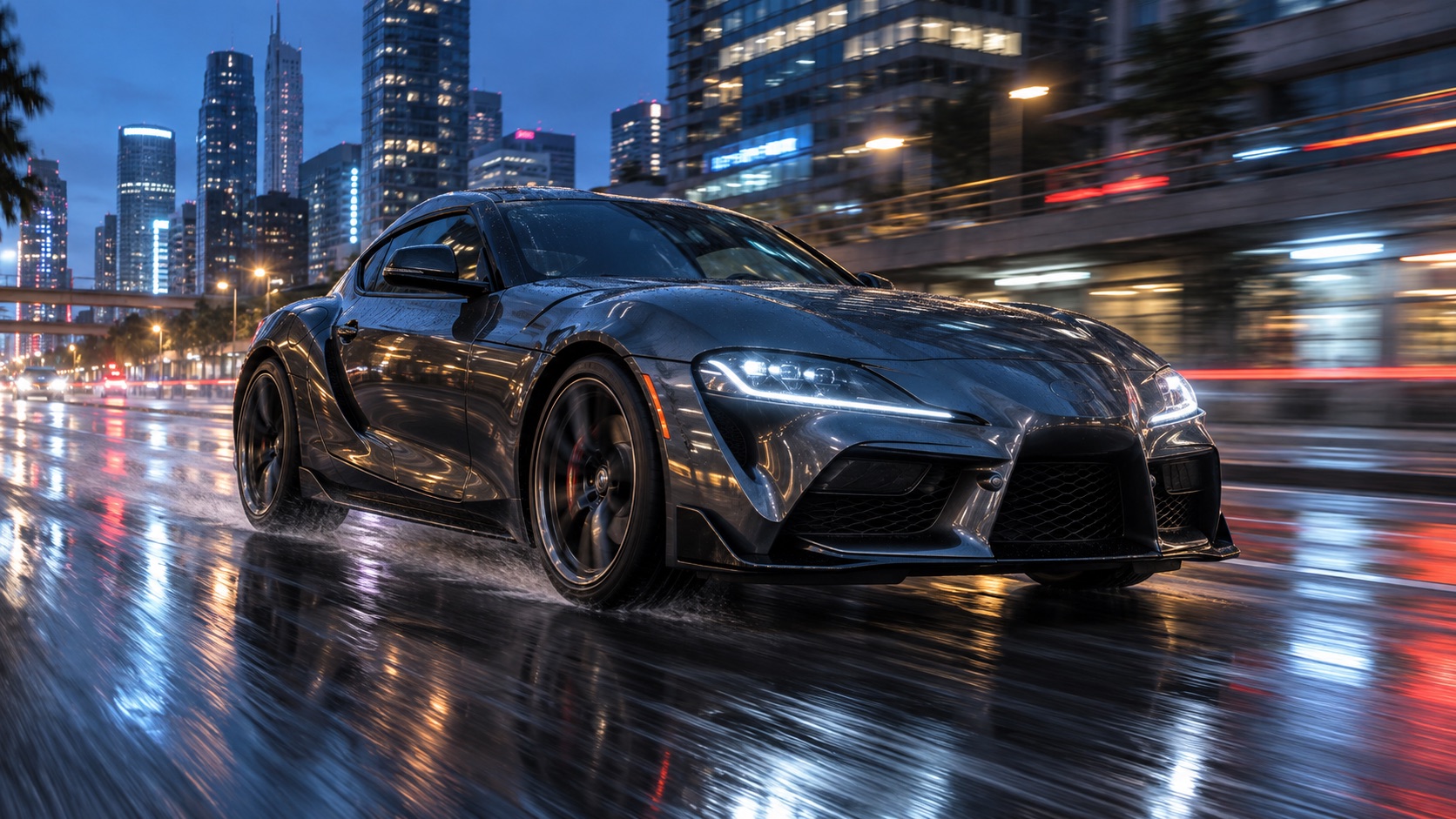 Vehicle transformation
AI car video generator
Turn a vehicle photo into a transformation shot. Adjust the car, location, camera, and motion in the prompt.
View effect & workflow Fashion transition
AI ceiling fan outfit change
Try a fixed overhead shot where a passing fan blade hides an outfit change. Inspect identity and transition timing.
View effect & workflowEffect prompts are starting points. Reference examples and concept covers are labeled on each detail page; matching their exact result is not guaranteed.
Get Inspired by AI-Generated Videos
Demo footage supplied with the site template. These clips illustrate ideas; they are not results from your current settings.
Need a different scene? Start from scratch.
Use the text-to-video generator for an original scene, or image-to-video when you already have a first frame.
Questions before your first AI video
Which AI video effect templates are available?
The current collection includes AI car video and ceiling fan outfit change. Both detail pages include editable prompts and workflow notes; they do not promise an exact copy of every preview.
Is AI video generation free?
Browsing effects and editing prompts does not use credits. Submitting a generation requires an account and enough site credits. The current cost is shown in the generator before you submit.
Can I change the effect prompt?
Yes. Edit the subject, clothing, setting, camera, or movement before generating. Change one element at a time when comparing results.
Are the previews generated by the current default model?
Not necessarily. Detail pages label template demonstrations, third-party reference examples, and concept covers. A reference can use another model or a different input workflow.
Where can I find my generated videos?
Signed-in users can find saved task records in My creations. Keep a local copy of completed videos because provider-hosted result links may expire.