
Rainy night showcase
Keep a gentle pace while warm streetlights reflect on wet pavement and cool blue paint.
CAR PHOTO → MOVING SHOT
Direct a night drive from one car photo.
Keep the car as the subject, describe one camera movement and let the video model animate the scene. Use this template for a car showcase, a concept film or a social video.
Create a car video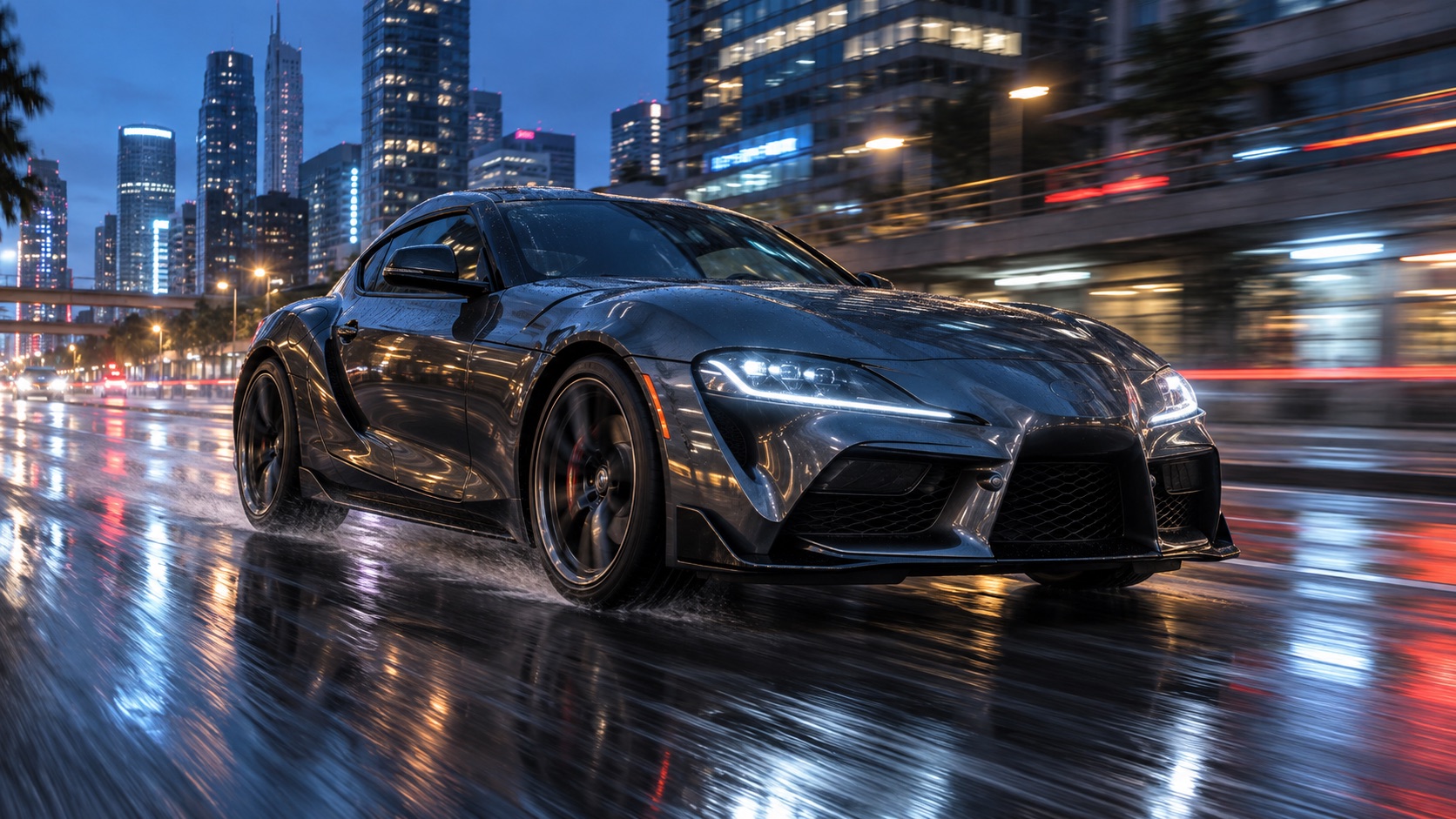
This sample was generated earlier with Kling v3. The generator below uses the model you select; its results may look different.
Show the complete car, with visible wheels and little obstruction. A front three-quarter view gives the model a clear body shape.
Start with slow forward motion and a low tracking camera. Edit the preset to change the light, location or direction without asking for several cuts.
Choose a model, duration and aspect ratio, review the credit amount and submit. Watch the result and check the body shape, wheels and background continuity.
Upload your own car photo and edit the preset before generating. The displayed credits follow your selected model, duration and resolution.
Your next shot starts here
Choose the camera engine
Resolution
Duration
Frame
Car photo (required)
Upload a car photo before generating.
This generation needs 140 site credits
Keep a gentle pace while warm streetlights reflect on wet pavement and cool blue paint.
Use clean daylight, a simple background and a slow camera move to focus on the silhouette and bodywork.
Choose 9:16, keep the car within the frame and leave enough space for the camera to move.
Use a clear JPEG, PNG or WebP image that you have permission to use. Keep the car fully visible and avoid heavy obstruction, blurred wheels or very dark details.
The prompt asks the model to preserve the car and its color, but proportions, badges and wheel details may change. Slow motion and a single shot make the result easier to assess.
The generator offers MiniMax H3 and Seedance 2.5 through the video providers configured for this site. The example above was made earlier with Kling v3 and is not a demonstration of those models.
The credit amount is shown below the generate button and changes with your model, duration and resolution. This template uses the same pricing as the main video generator.
You can prepare a showcase or social clip, but review the output for inaccurate car details before sharing. Use source photos you have rights to and follow the terms of your chosen generation provider.